
WordPress is a free and open source blogging tool based on PHP and MySQL .Many web hosting services may offer one click installation of wordpress , but recent studies shows one click installation of wordpress is unsecure and easy to hack .
Here we can see how to install wordpress manually using cpanel .
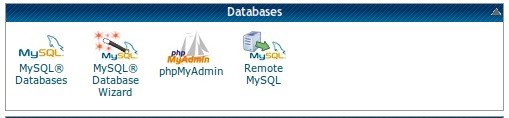
step 1 » Goto MySQL® Database Wizard in your cpanel .
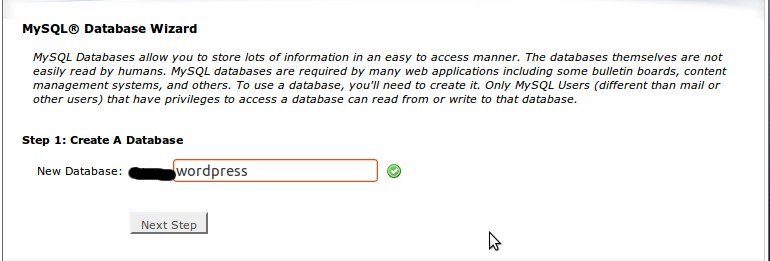
step 2 » Type Database name and PRESS “Next Step” .
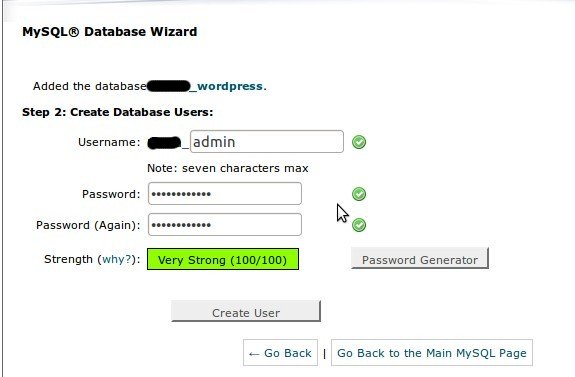
step 3 » Type username and password and PRESS “Create User” . ( use password generator for strong passwords )
step 4 » Select “ALL PRIVILAGES” and PRESS “Next Step” ( Copy the password shown at the TOP )
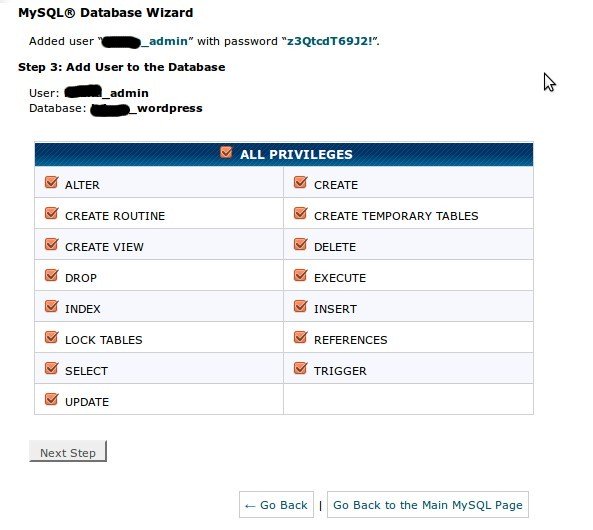
Now you have successfully created database for your blog
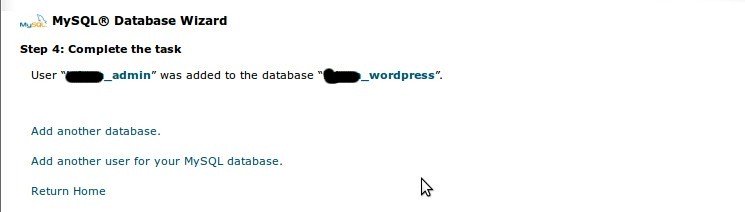
step 5 » Download a fresh wordpress package from http://wordpress.org/download/ to your local machine.
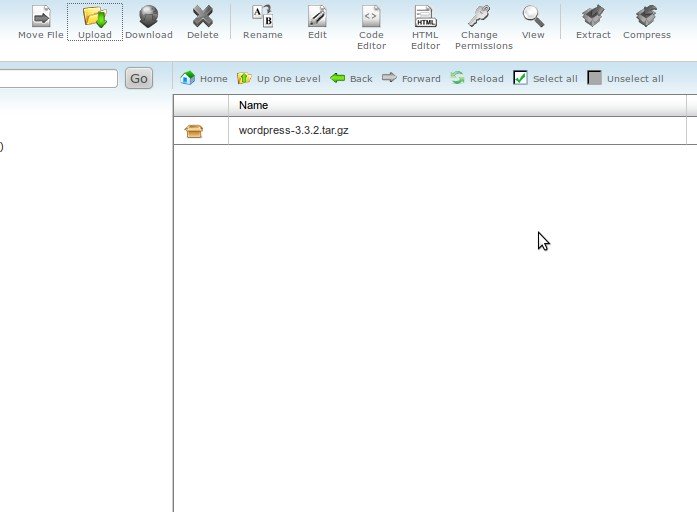
step 6 » Upload package to your server . Extract the package and copy all the content from wordpress folder to your exact path (Eg : Copy all content to “/public_html/blog” folder to display your wordpress blog like yourdomain.com/blog )
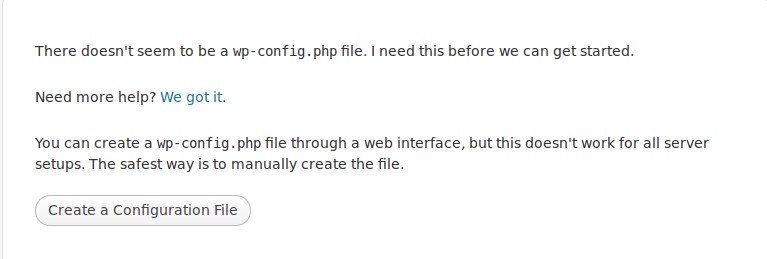
step 7 » Now goto http://yourdomain.com/blog . you will receive error for not creating config file ,just PRESS “Create a Configuration File” .
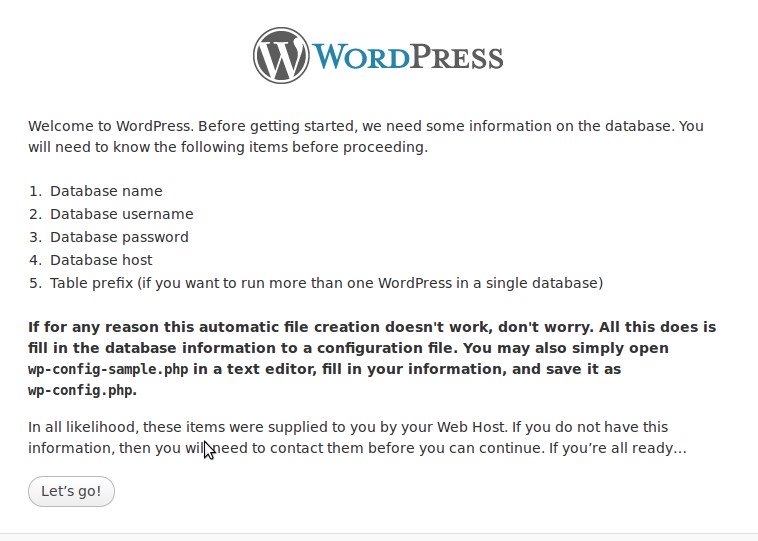
step 8 » We already have Database details , just PRESS “Let’s go!”.
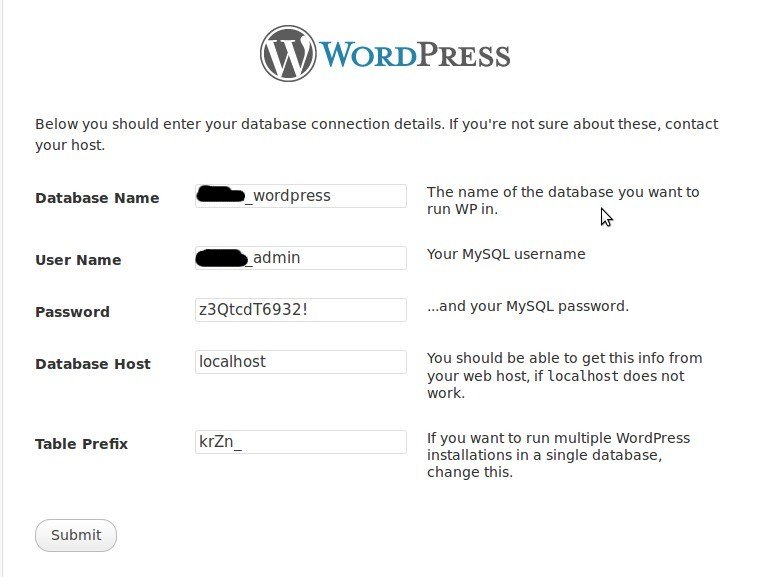
step 9 » Provide the database details .
Database name
Database Username
Database Password
Database Host ( localhost Leave as it is )
Table Prefix ( you should Change default “wp_” prefix to something else like krZn_)
Finally PRESS “Submit”.
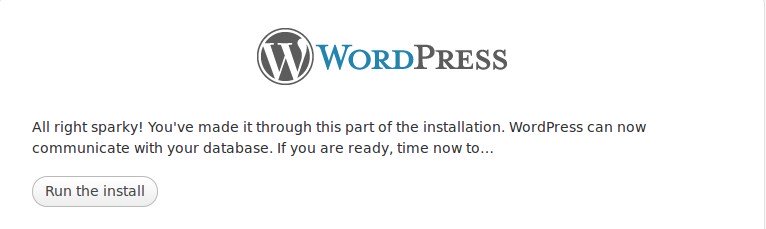
step 10 » Now PRESS “Run the install” .
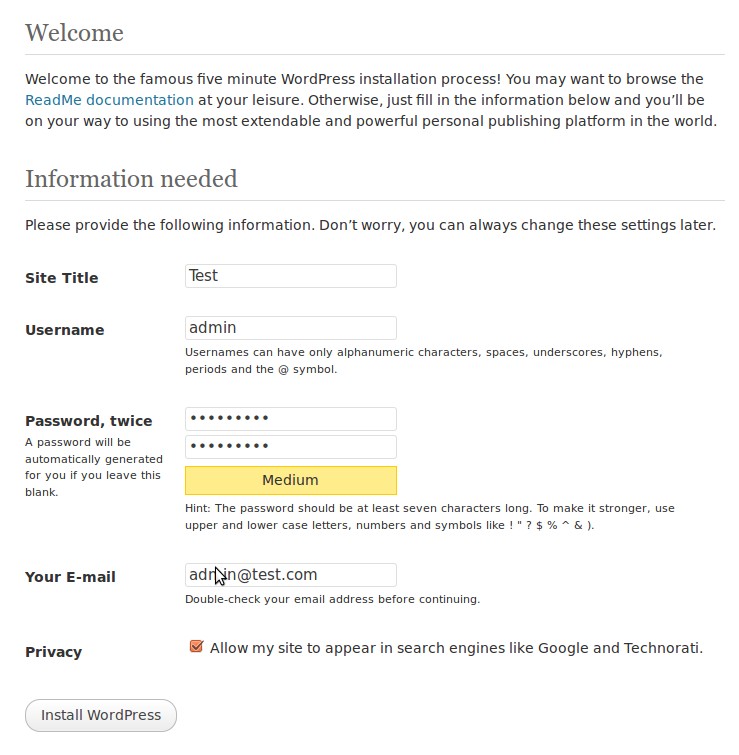
step 11 » Provide site title , admin username , password and E-mail details . PRESS “Install WordPress”.
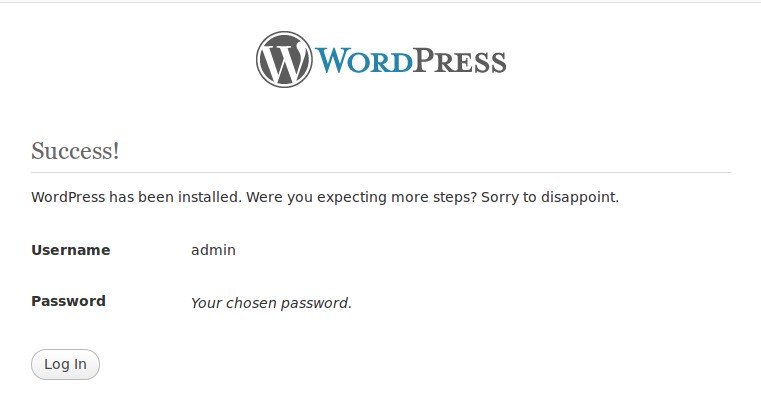
step 12 » You have successfully installed WordPress manually. Press “Log in”.
Leave a Reply